

Poweradmin v4.1.0 adds OIDC and SAML authentication, interactive DNS record wizards, granular permission controls, and a redesigned zone editor.
OIDC and SAML Authentication
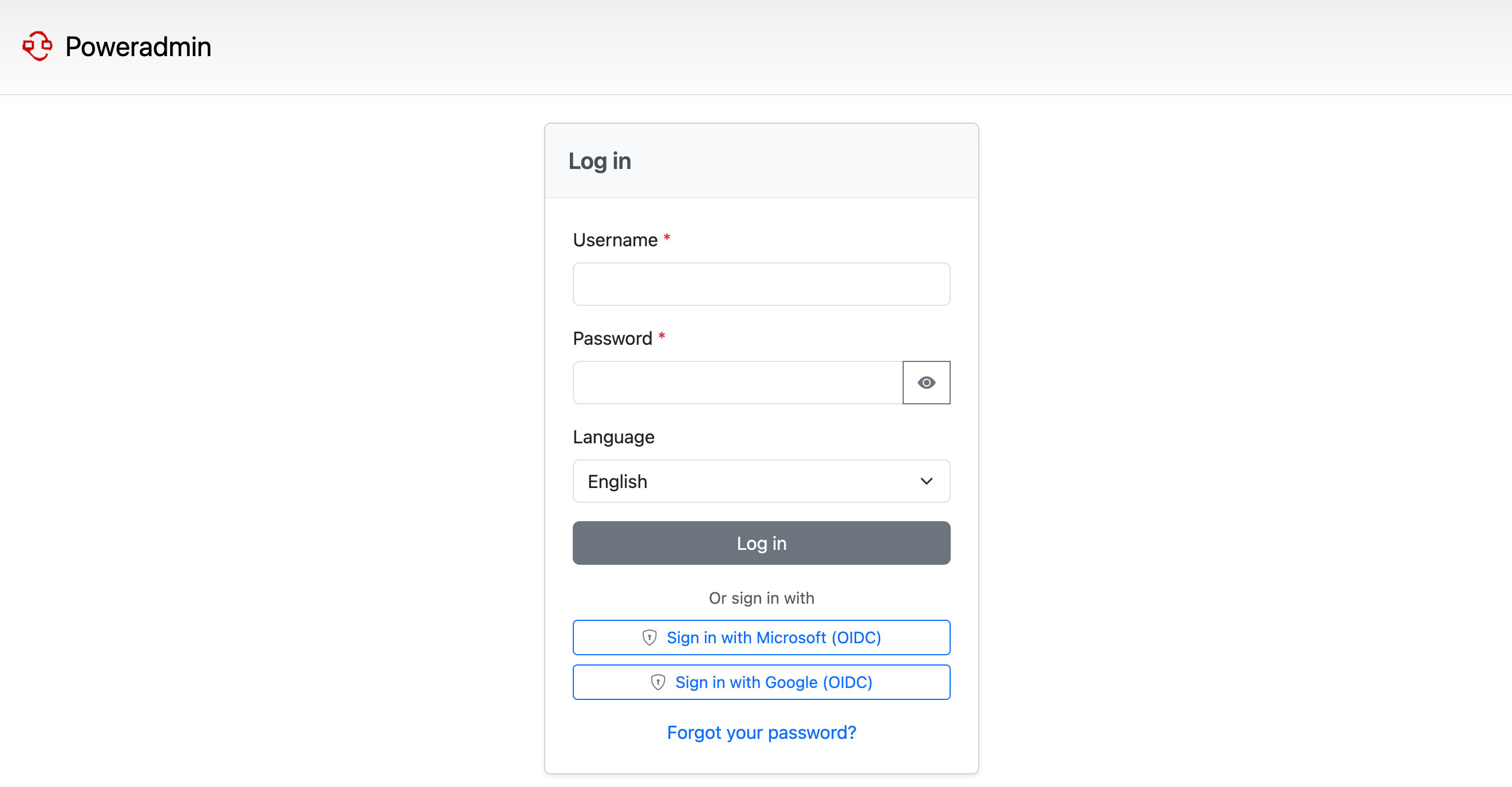
One of the most requested features Single Sign-On via OpenID Connect and SAML 2.0 - is now fully supported. OIDC works out of the box with Google Workspace, Microsoft Entra ID, Okta, Keycloak, Auth0, and Authentik. SAML supports the same providers with SP-initiated SSO.
Both protocols include automatic user provisioning on first login, group-based permission mapping, and account linking for existing users - no need to create accounts manually.
DNS Record Wizards
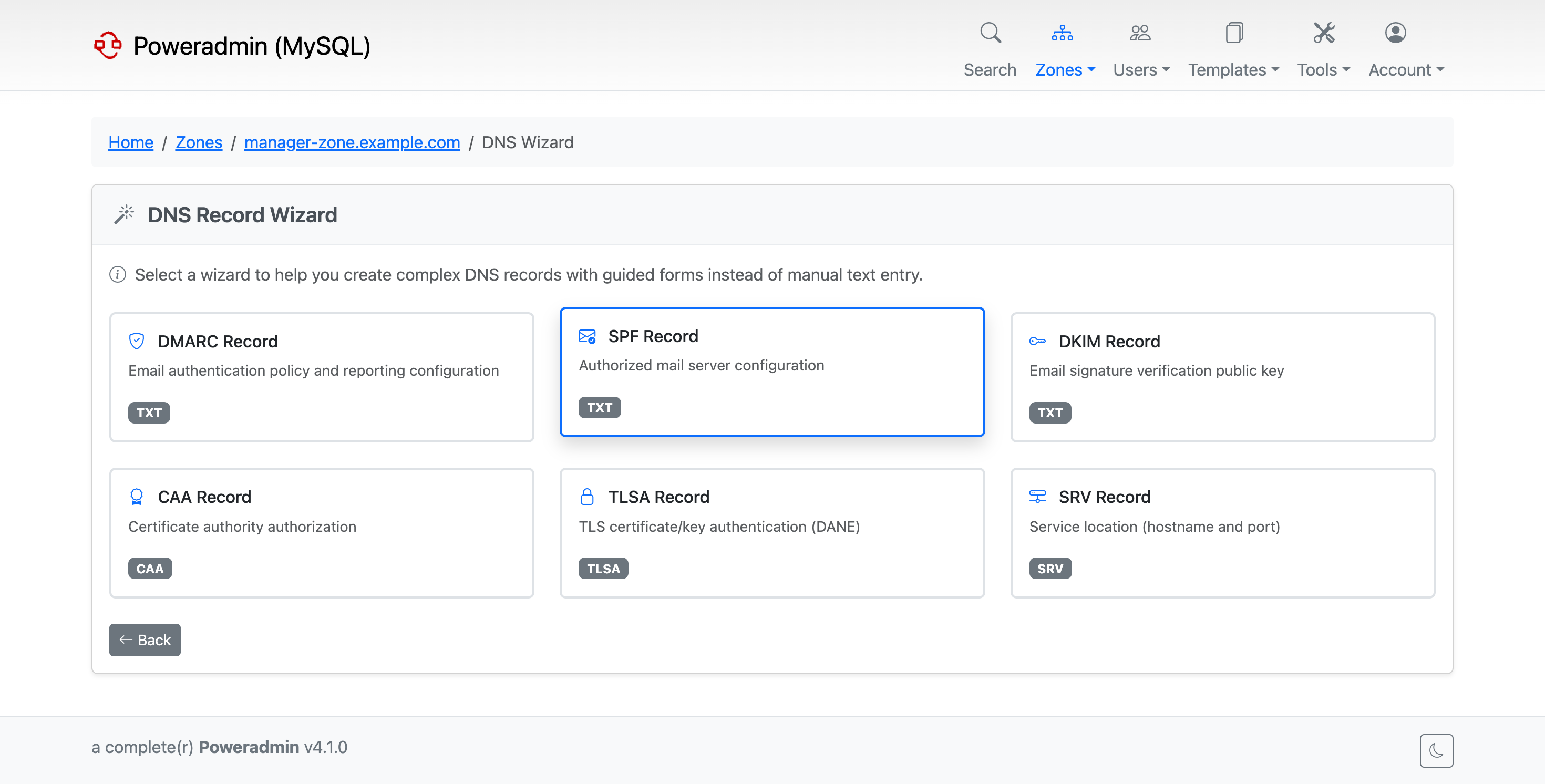
New interactive wizards for DMARC, SPF, DKIM, CAA, TLSA, and SRV records. Instead of remembering record syntax, you fill in a form and the wizard generates the correct record. Input is validated in real-time, so you won’t end up with a broken SPF or DMARC record.
Redesigned Zone Editor
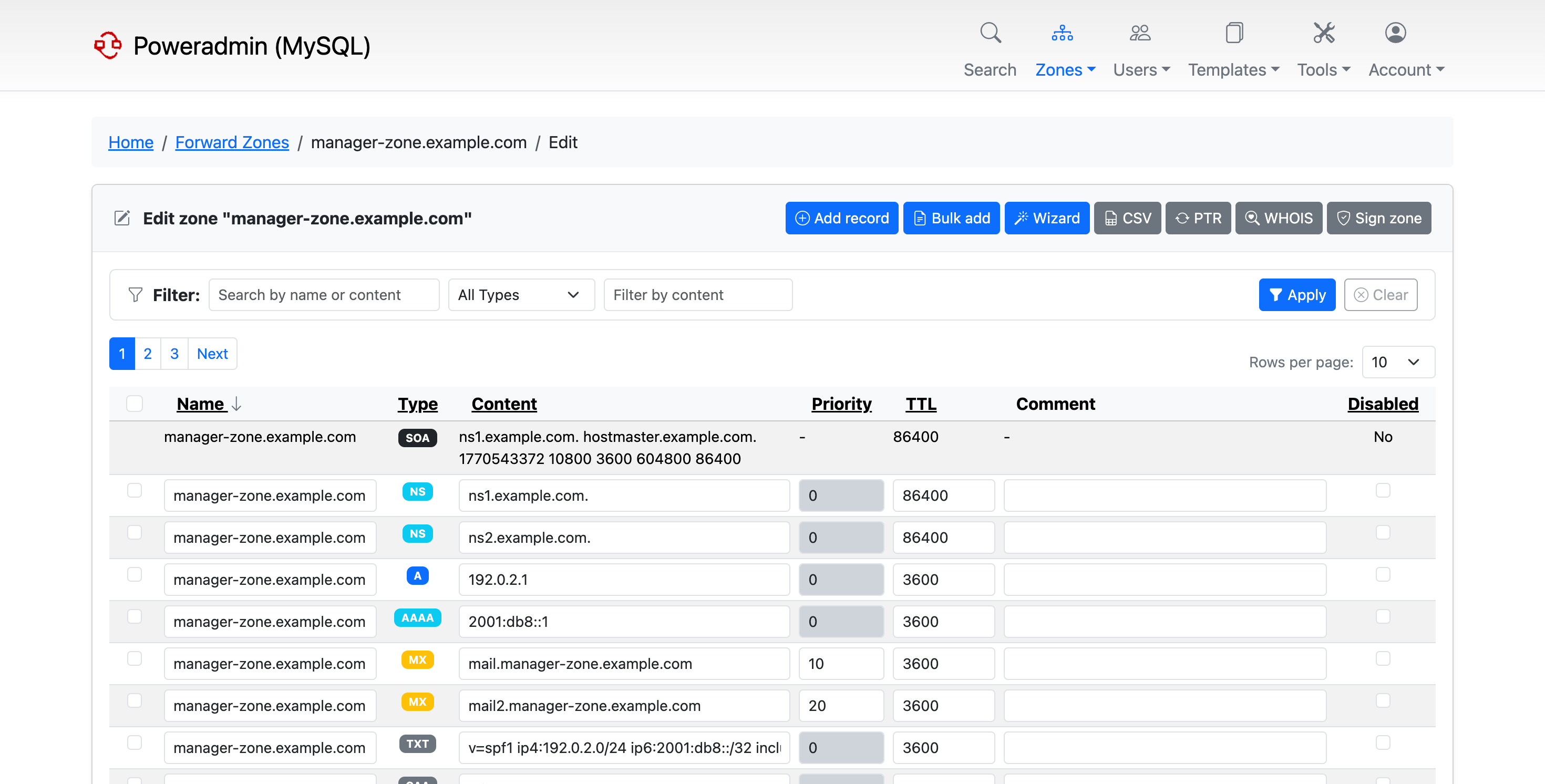
The zone editor got a rework - better layout, configurable columns, and sorting by owner, ID, or disabled status. You can now edit records inline and do bulk operations without leaving the page.
Granular Permission Controls
Zone Deletion Permissions
Zone deletion is now controlled by separate permissions, independent from edit permissions. Users can manage records without being able to delete entire zones.
zone_delete_own- delete zones the user ownszone_delete_others- delete zones owned by other users
Existing users with edit permissions are automatically granted corresponding delete permissions during upgrade.
Pre-configured Permission Templates
Four new permission templates for common setups:
Zone Manager - Full self-service zone management
DNS Editor - Edit records but not SOA/NS (ideal for delegated management)
Read Only - View-only access for auditors and viewers
No Access - No permissions for inactive or pending accounts
Improved API
API v2 with consistent response wrapping
Permission validation for all API endpoints
Better error handling across all endpoints, including non-JSON error responses
PowerDNS ENT record filtering - invalid database entries are automatically excluded
Security Improvements
Critical MFA bypass fix - v4.0.0 through v4.0.3 allowed bypassing MFA. If you’re running those versions, upgrade immediately.
Permission enforcement - Non-superusers can no longer modify superuser accounts
DNSSEC pre-flight validation before zone signing, so you don’t sign a misconfigured zone
Other Improvements
Username recovery via email for forgotten usernames
User avatars with OAuth and Gravatar integration
Symfony Mailer replaces the custom SMTP implementation
Custom TLD whitelist for CNAME validation
RFC 2317 classless reverse delegation validation
SSL/TLS database connections for MySQL and PostgreSQL
DB_PORT and separate PowerDNS database configuration support
Immutable container image support for Kubernetes and similar setups
Improved container health checks and database initialization
LDAP session caching to reduce authentication overhead
Lots of bug fixes across DNS validation, DNSSEC, dark mode, PostgreSQL/SQLite compatibility, and more
Upgrading
From v4.0.x
Backup your database and files
Replace application files with the new release
Run the database migration script for your database type:
# MySQL/MariaDB
mysql -u username -p database < sql/poweradmin-mysql-update-to-4.1.0.sql

# PostgreSQL
psql -h localhost -U username -d database -f sql/poweradmin-pgsql-update-to-4.1.0.sql

# SQLite
sqlite3 /path/to/poweradmin.db < sql/poweradmin-sqlite-update-to-4.1.0.sql
Clear PHP opcache and restart your web server
Verify login and basic operations
The configuration format is fully backward compatible - no changes to config/settings.php are required.
From v3.x or older
Direct upgrades to v4.1.0 are not supported. First upgrade to v4.0.0, then follow the v4.0.x steps above. For a detailed upgrade path from any version, see the full upgrade documentation.
Docker
Pull the latest image and restart:
docker pull poweradmin/poweradmin:4.1.0
For detailed upgrade instructions, visit docs.poweradmin.org/upgrading/v4.1.0.
PHP Version Notice
Poweradmin 4.1.x will be the last version to support PHP 8.1. Starting with version 4.2.x, the minimum required PHP version will be 8.2. If you’re still on PHP 8.1, now is a good time to upgrade.
Version Support and Branch Strategy
If you’re on v4.0.x and prefer stability, stay on the
release/4.0.xbranch. It will continue to receive bug fixes and security updates.If you want the latest features, move to
release/4.1.x. Initial quick fixes will land here as the release stabilizes through real-world usage.If you’re on v3.9.x LTS, the branch remains fully supported until December 2027.
Avoid
masterin production - it will receive changes from the develop branch and may become unstable.
Once v4.1.x proves stable in production, it will become the recommended release.
Support the Project
If Poweradmin is useful to you, consider supporting its development via GitHub Sponsors, Open Collective, or PayPal.
Looking Forward
While v4.1.0 is a new release, some users have already been running these changes in production from the master branch. Still, preparing a release this size is exhausting - lots of checks to run from different angles, multiple times, and I’m sure something slipped through. If you hit any issues, please report them on GitHub and I’ll get a patch release out as soon as I can.
Thanks to everyone who reported issues and tested things on v4.0.x and master - it made a real difference. Next up: group-based user management and more API work.
Poweradmin v4.1.0 is available now on GitHub and Docker Hub. For installation instructions and documentation, visit docs.poweradmin.org.
Important upgrade note: v4.1.0 uses clean URLs (e.g., /login instead of index.php?page=login), which requires web server rewrite rules. If you get a 404 after upgrading:
- Apache: Ensure mod_rewrite is enabled and AllowOverride All is set for the Poweradmin directory
- Nginx: Update your configuration to route requests through index.php (see nginx.conf.example)
- Caddy: Ensure try_files directive is configured (see caddy.conf.example)
Example configuration files are included in the release. For more details, visit https://docs.poweradmin.org.